
01
Answer Employee Questions
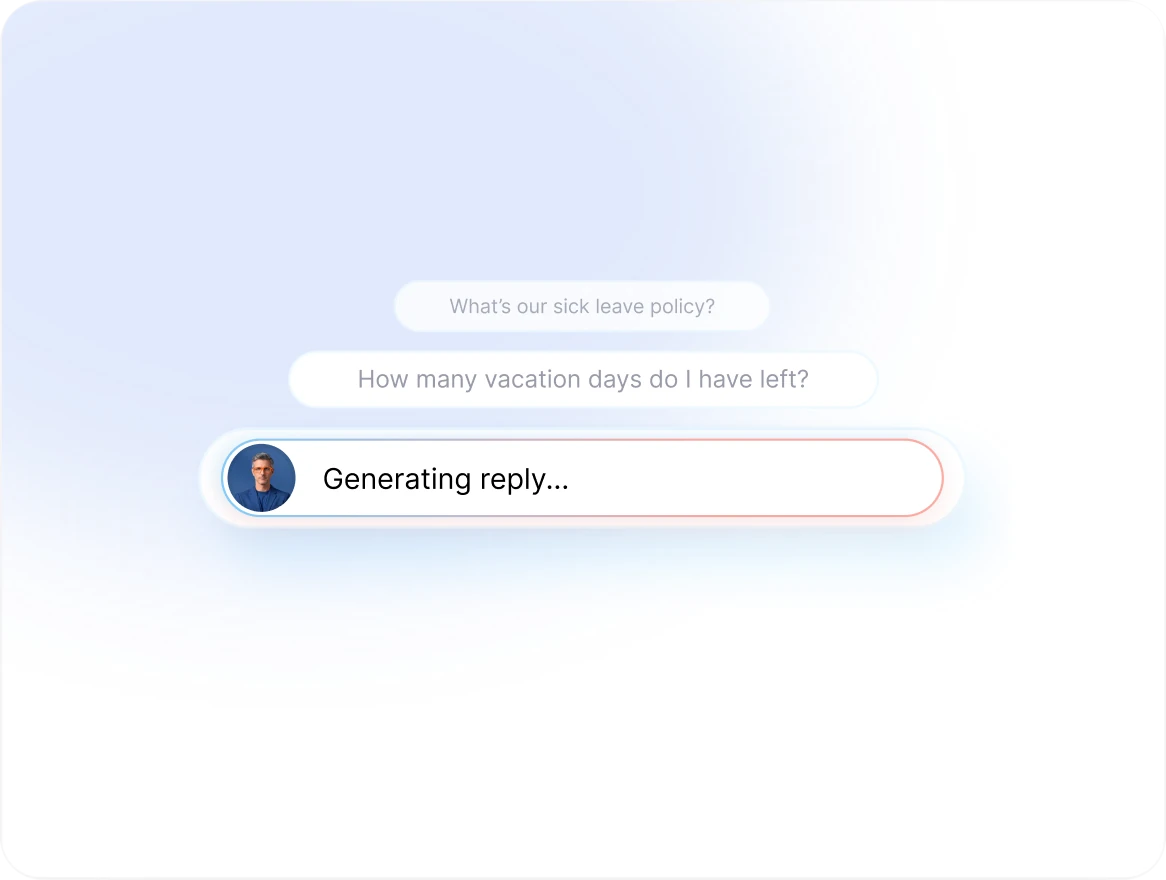
Use approved company policies and internal knowledge to answer common questions about leave, attendance, benefits, and HR procedures.
AI HR AGENT
Answers employee questions, spots what is missing, keeps HR actions moving, and helps your team stay ahead.
Request a DemoEmployees, managers, and HR teams
Support employees and keep HR operations on track
Questions, employee information, HR processes, lifecycle events, and required actions
MEET YOUR TEAMMATE
Your Teammate works with the employee information, reporting lines, policies, documents, leave records, attendance data, and HR processes available in Spark.work. It brings the right context into everyday HR support.
01
Use approved company policies and internal knowledge to answer common questions about leave, attendance, benefits, and HR procedures.
02
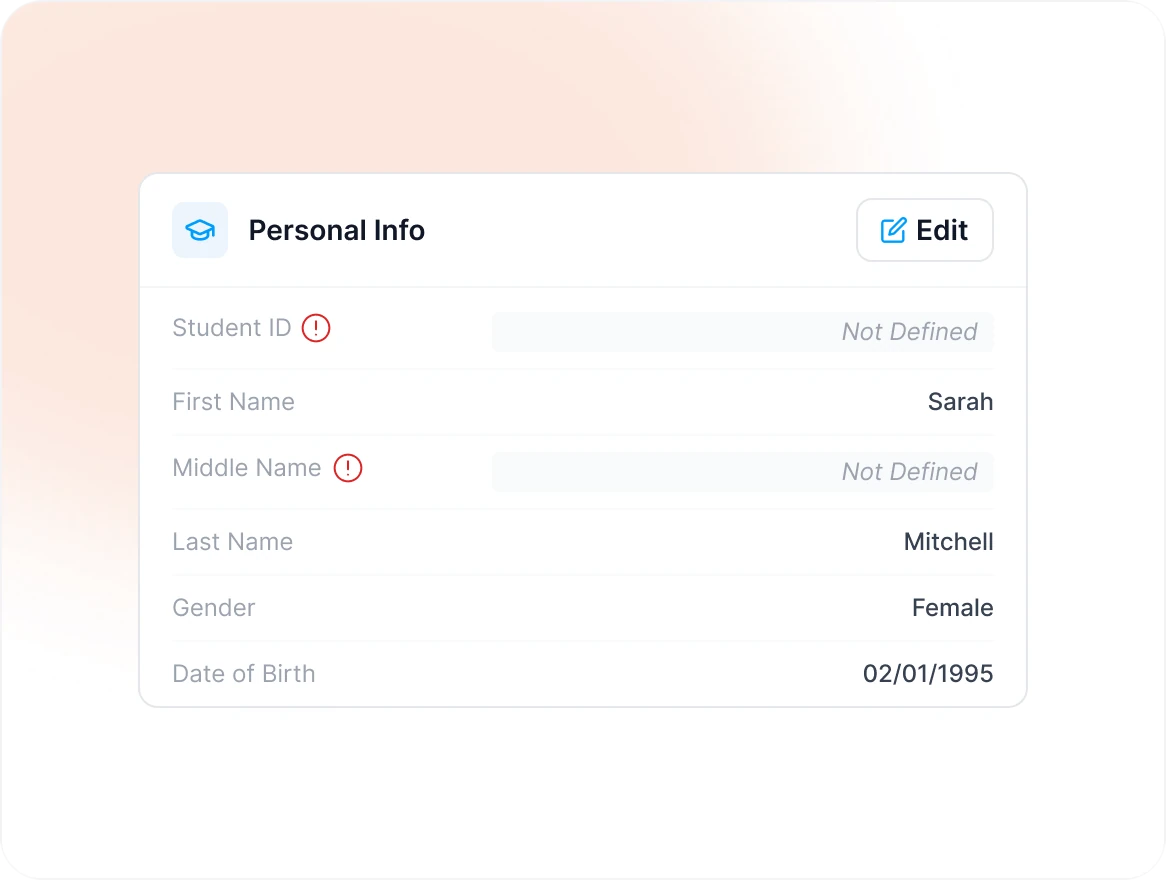
Identify missing, incomplete, or outdated employee information that needs attention.
03
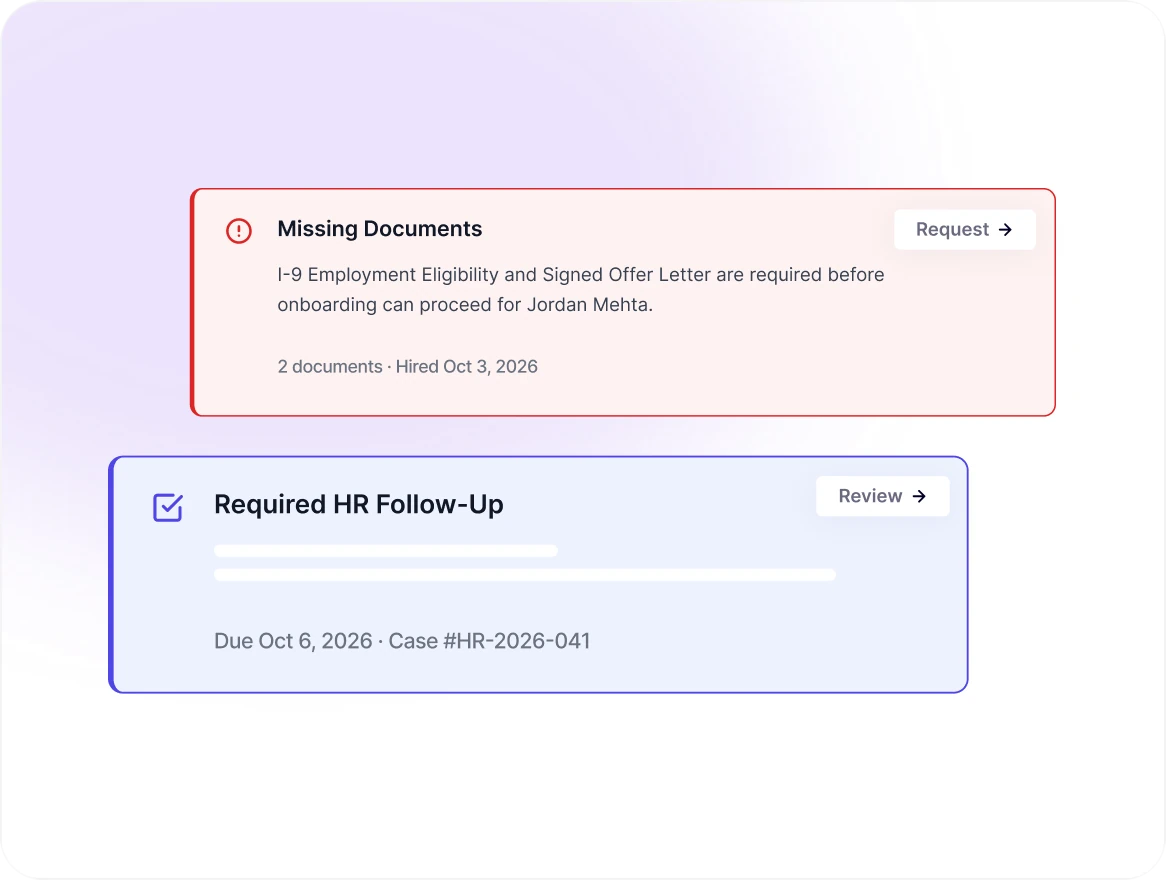
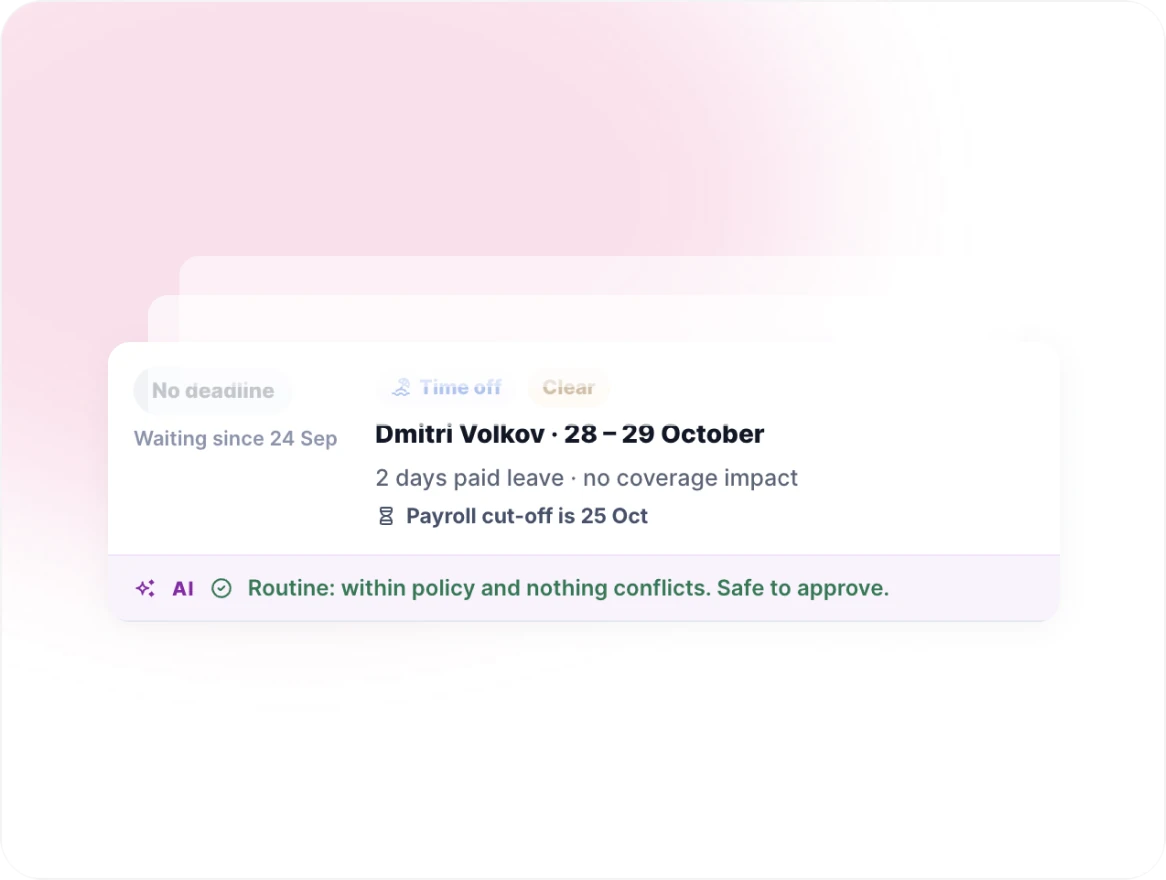
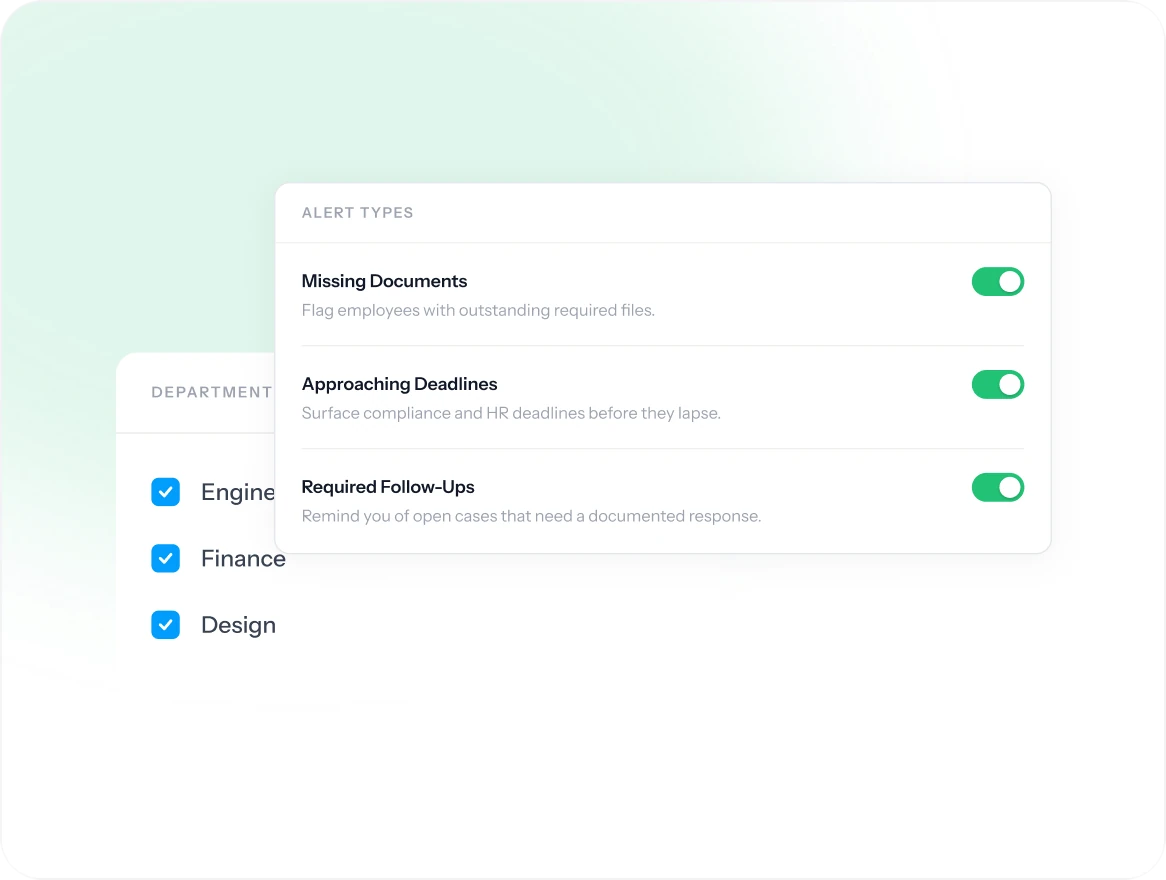
Spot missing documents, approaching deadlines, and required HR follow-ups.
04
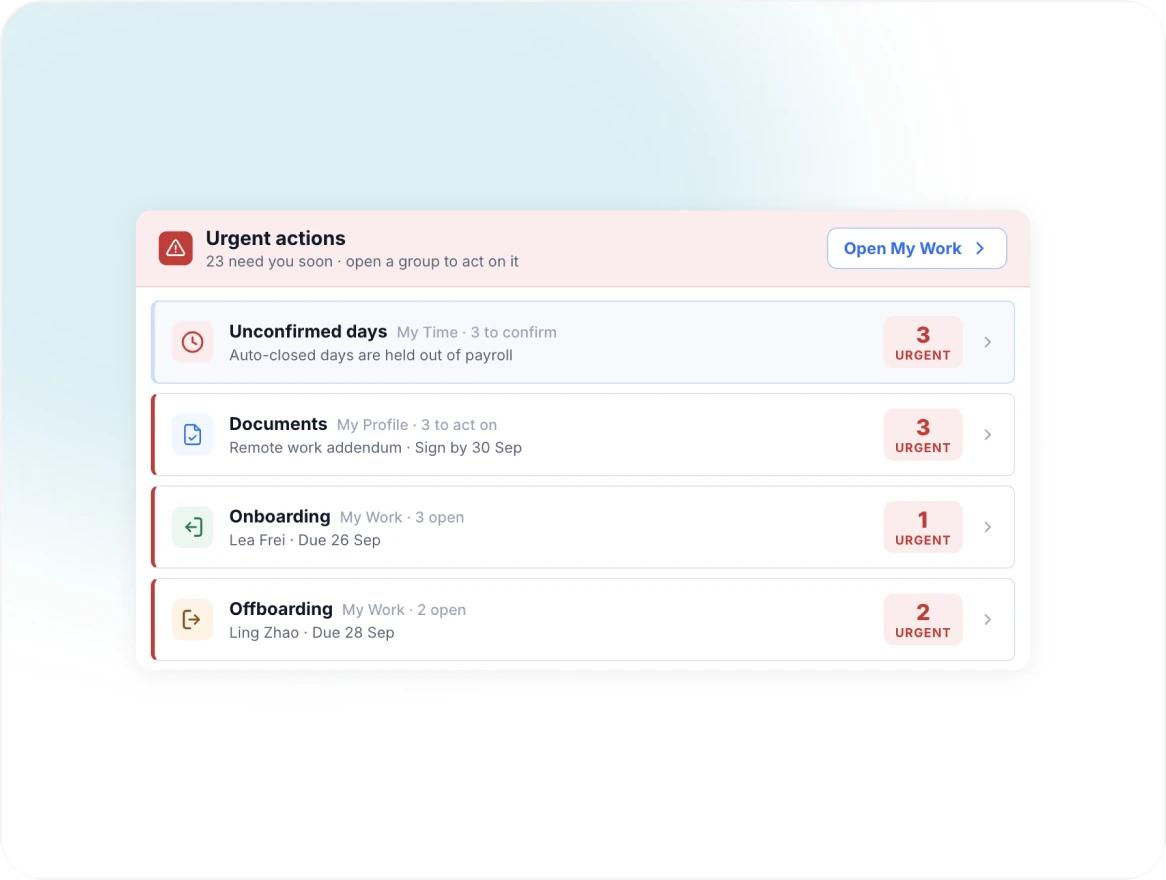
Help HR and managers stay ahead of onboarding, offboarding, probation, and other employee milestones.
05
Monitor relevant patterns and highlight changes that may require manager or HR attention.
06
Bring employee, team, survey, attendance, and organizational signals together to surface what HR should review next.
WORK TOGETHER
MADE TO WORK YOUR WAY
The People & HR Teammate comes ready to support employee services and everyday HR operations. Your organization decides how it should work.
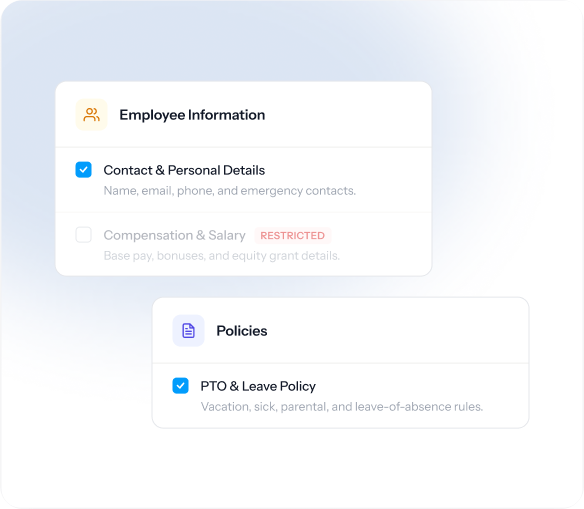
Choose the policies, procedures, employee information, and Spark.work data it can use.
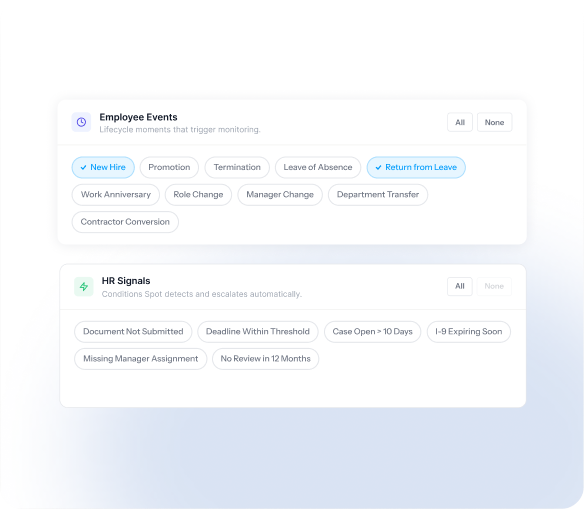
Define the employee events, records, documents, deadlines, and HR signals that matter.
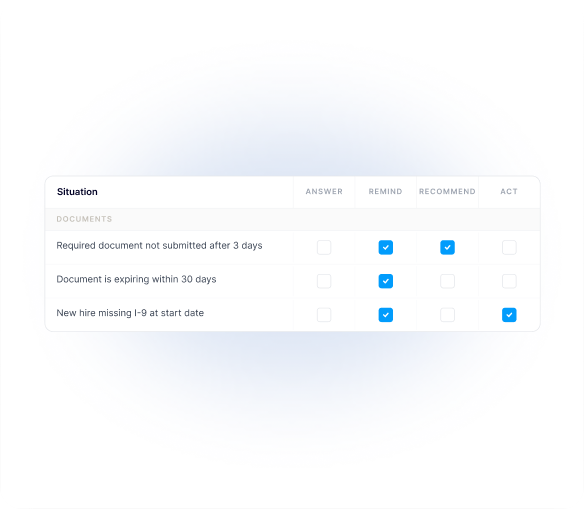
Set the situations that should trigger an answer, reminder, recommendation, or action.
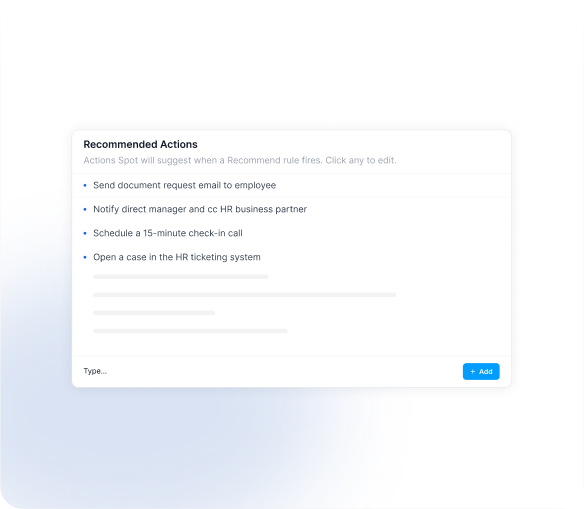
Control which actions it can recommend, which require approval, and which it can perform.
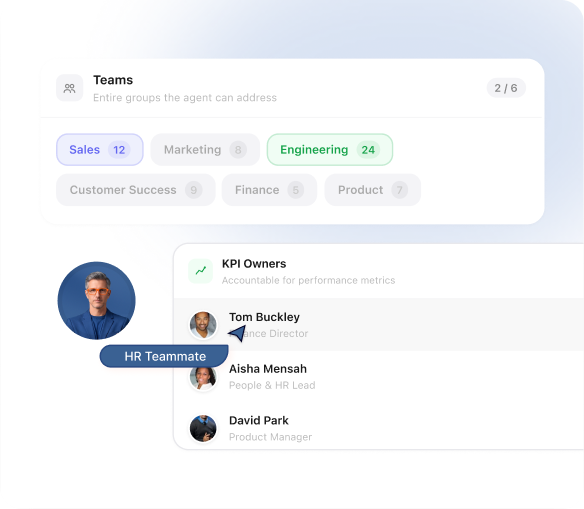
Define the employees, managers, teams, and HR roles it can interact with.
Have another role, workflow, or business need in mind?
Create a Teammate around the work your organization needs, then shape its context, capabilities, and boundaries around the way you operate.
 Explore Custom Teammates
CONNECTED BY DEFAULT
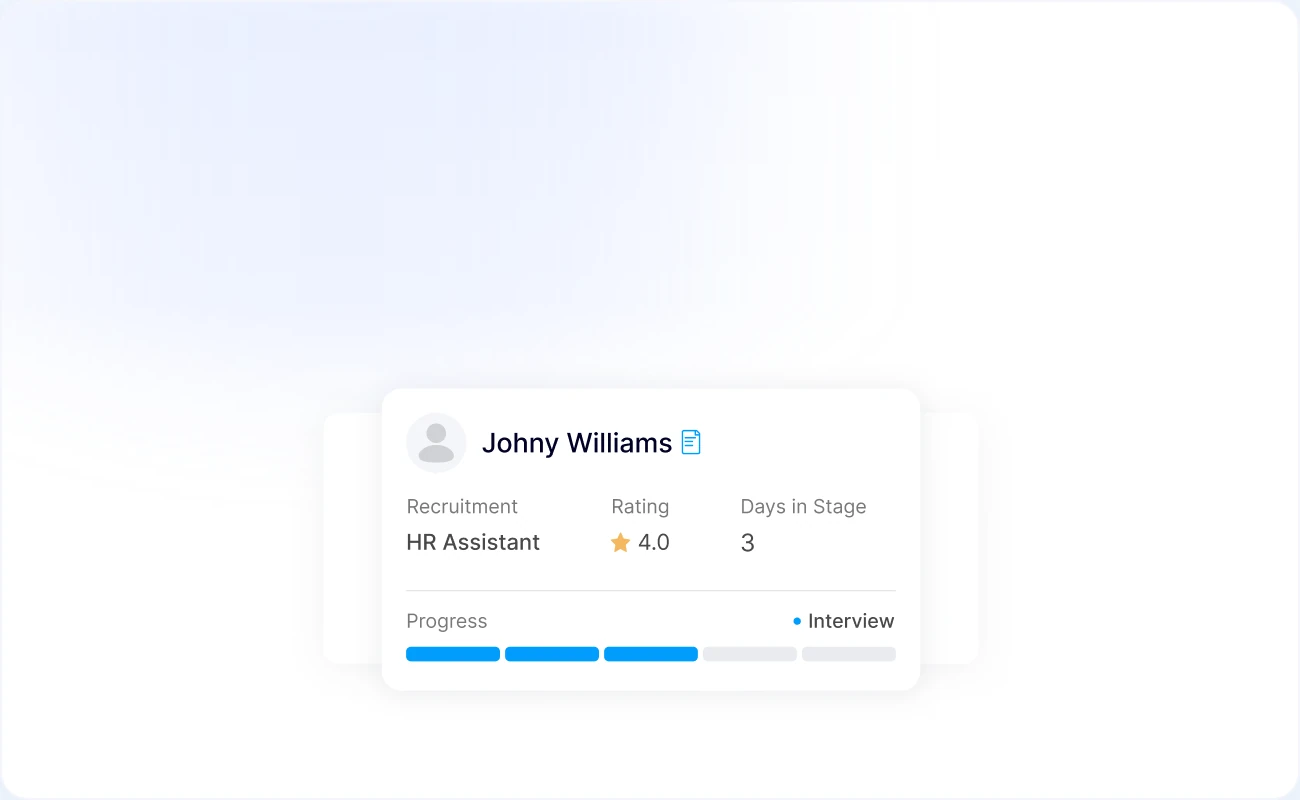
Work with employee records, roles, employment details, and other permitted people information.
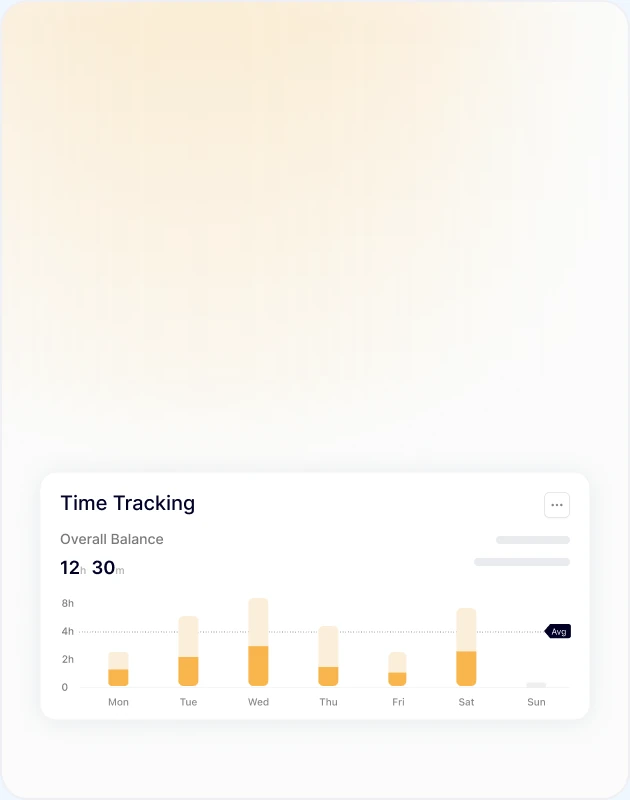
Monitor attendance information and surface patterns that may require attention.
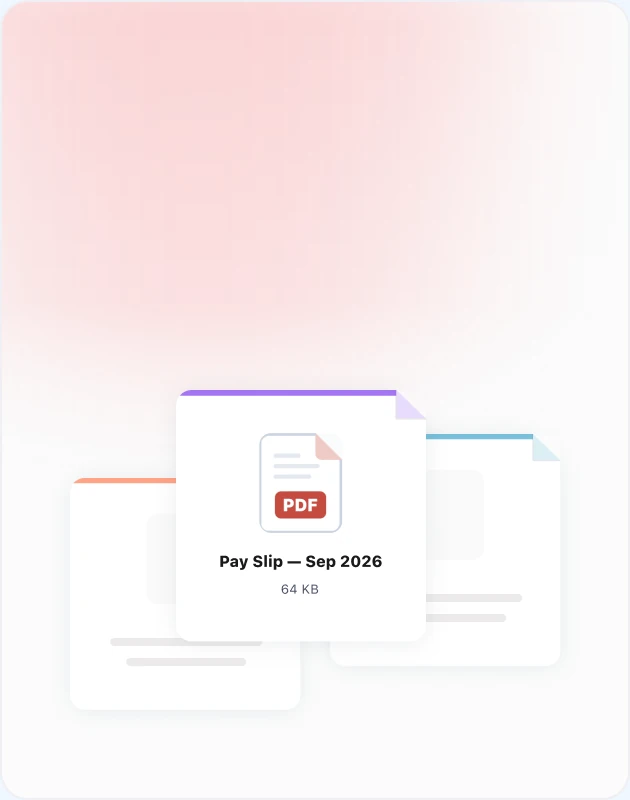
Keep required employee documents and related actions visible.
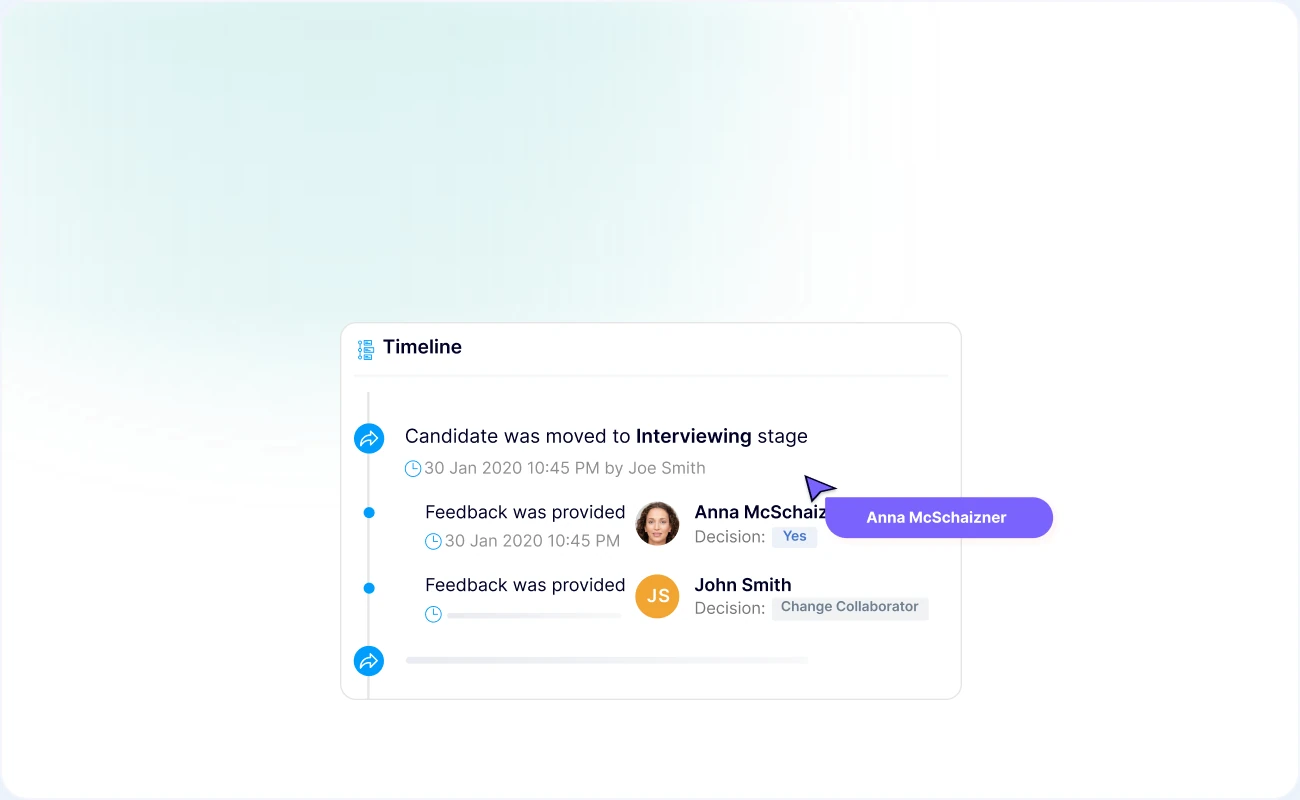
Follow employee lifecycle steps, responsibilities, and outstanding actions.
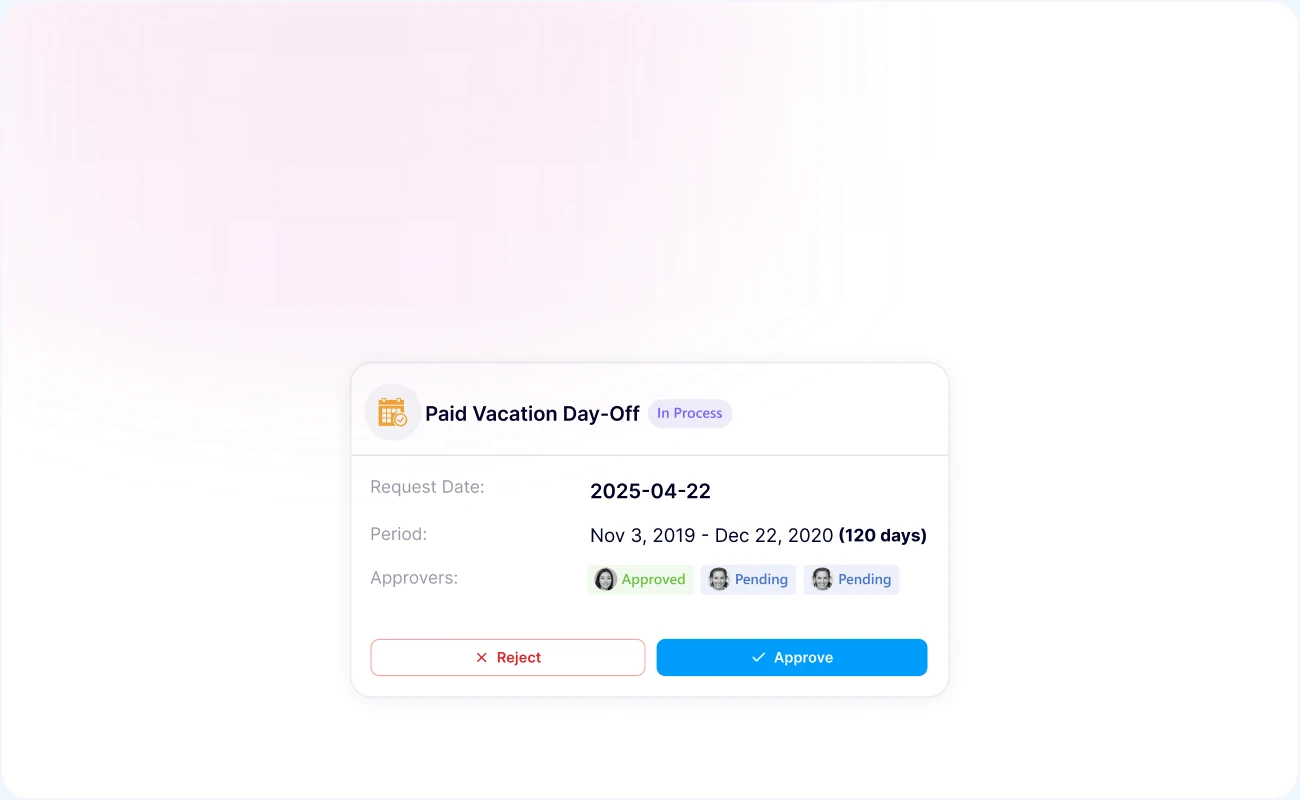
Answer leave-related questions and connect requests, balances, policies, and approvals.
HUMAN CONTROL
Spark.work Virtual Teammates operate according to company-defined permissions and approval rules.
Control which employee and organizational information your Teammate can access.
Decide when HR or manager confirmation is required.
Define what it may recommend and what it is allowed to do.
Keep important AI activity visible and auditable.
AI HR AGENT FAQ
It answers employee HR questions, identifies incomplete information and missing documents, monitors employee lifecycle events, keeps HR actions visible, and helps HR teams act on relevant people and organizational signals.
Yes. It performs the functions of an AI HR agent, but Spark.work positions it as a Teammate because it works alongside employees, managers, and HR teams within the context and rules of the organization.
Yes. Employees can receive answers based on the approved policies, procedures, and company information the Teammate is permitted to use.
Yes. It can help monitor lifecycle steps, identify missing information or documents, surface outstanding actions, and remind the responsible people.
Yes. It can work with permitted leave and attendance information to answer questions, monitor relevant patterns, and highlight situations that may require attention.
It supports decisions by providing context, identifying issues, and recommending actions. Your organization defines which actions require human review or approval.
Yes. Organizations can configure what it knows, which information it accesses, what it monitors, when it should step in, and what it is allowed to do.
MEET THE REST OF THE TEAM
Bring in the Teammates your organization needs, customize how they work, or create your own.
 Meet All Teammates
