

Make Progress Visible
See how much of an objective has been completed, its current status, and whether it is progressing as expected.
MBO
Monitor objective progress, report updates, and identify goals that need attention. Give managers and employees the information they need to keep work moving.
Request a Demo
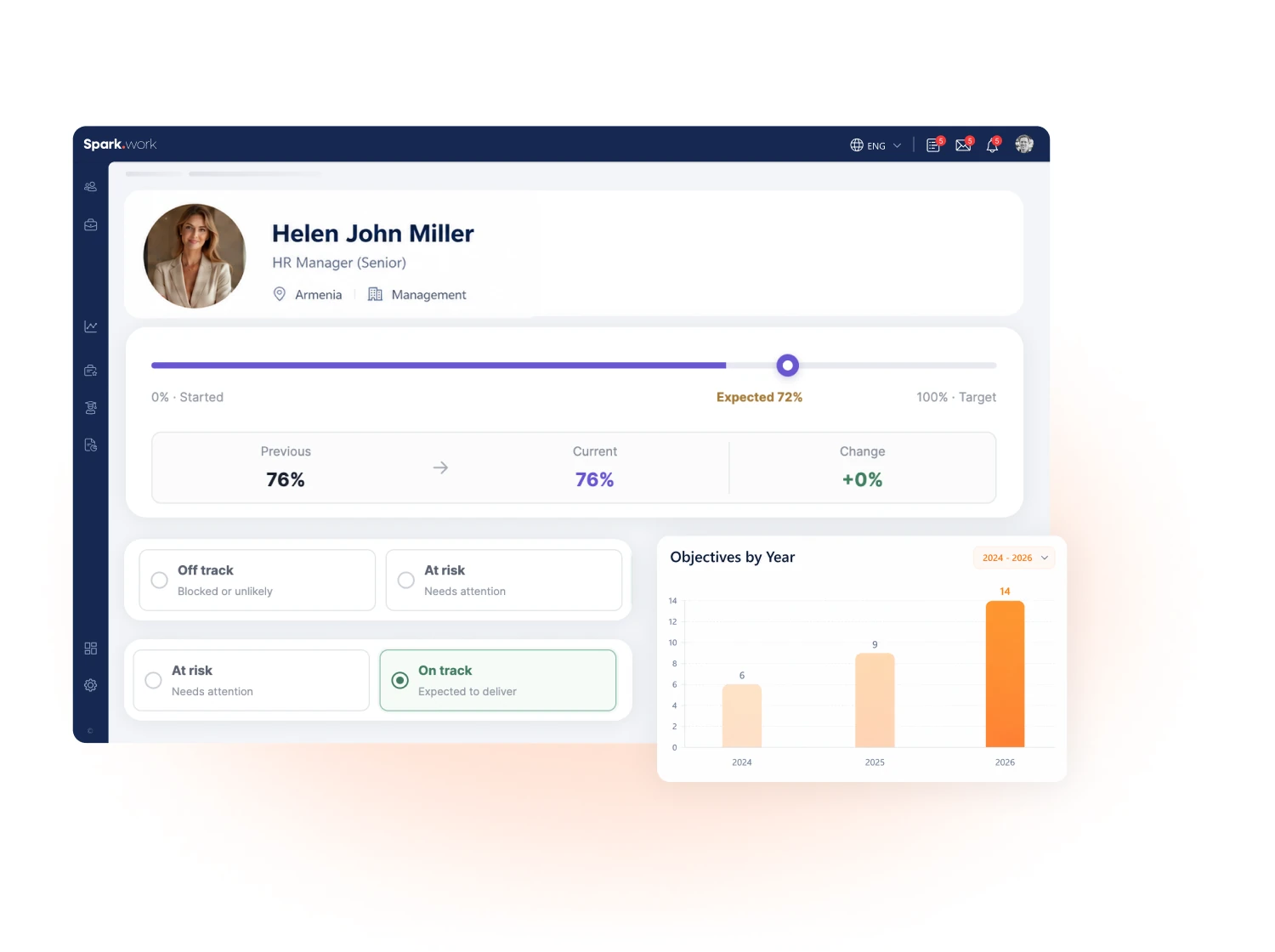
Setting objectives creates direction. Tracking them keeps execution moving and helps teams respond when progress falls behind.
Spark.work brings MBO objective tracking and check-ins into one connected process, with relevant views for employees, managers, and leadership.
See how much of an objective has been completed, its current status, and whether it is progressing as expected.
Identify objectives that are behind or have a low chance of completion, so managers can focus attention where it's needed.
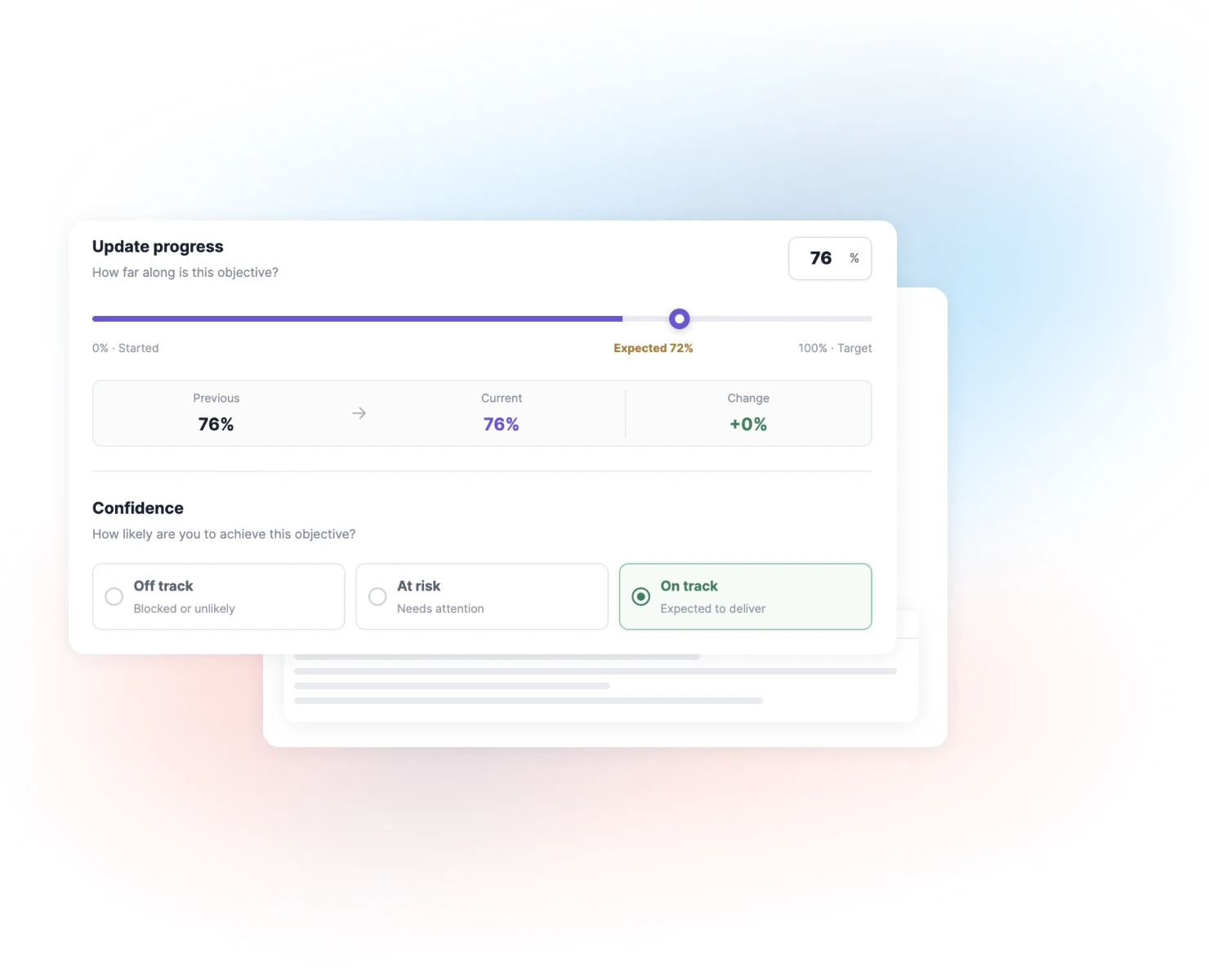
Give objective owners a clear way to report progress while keeping managers informed about the work they're responsible for.
PROGRESS UPDATES
Keep objective progress current with updates from the people responsible for execution.
INDIVIDUAL & TEAM VIEWS
Not everyone needs access to every company objective. Spark.work gives employees and managers views relevant to their responsibilities.
Where permitted by company settings, managers can also create objectives for their teams.
MANAGEMENT OVERVIEW
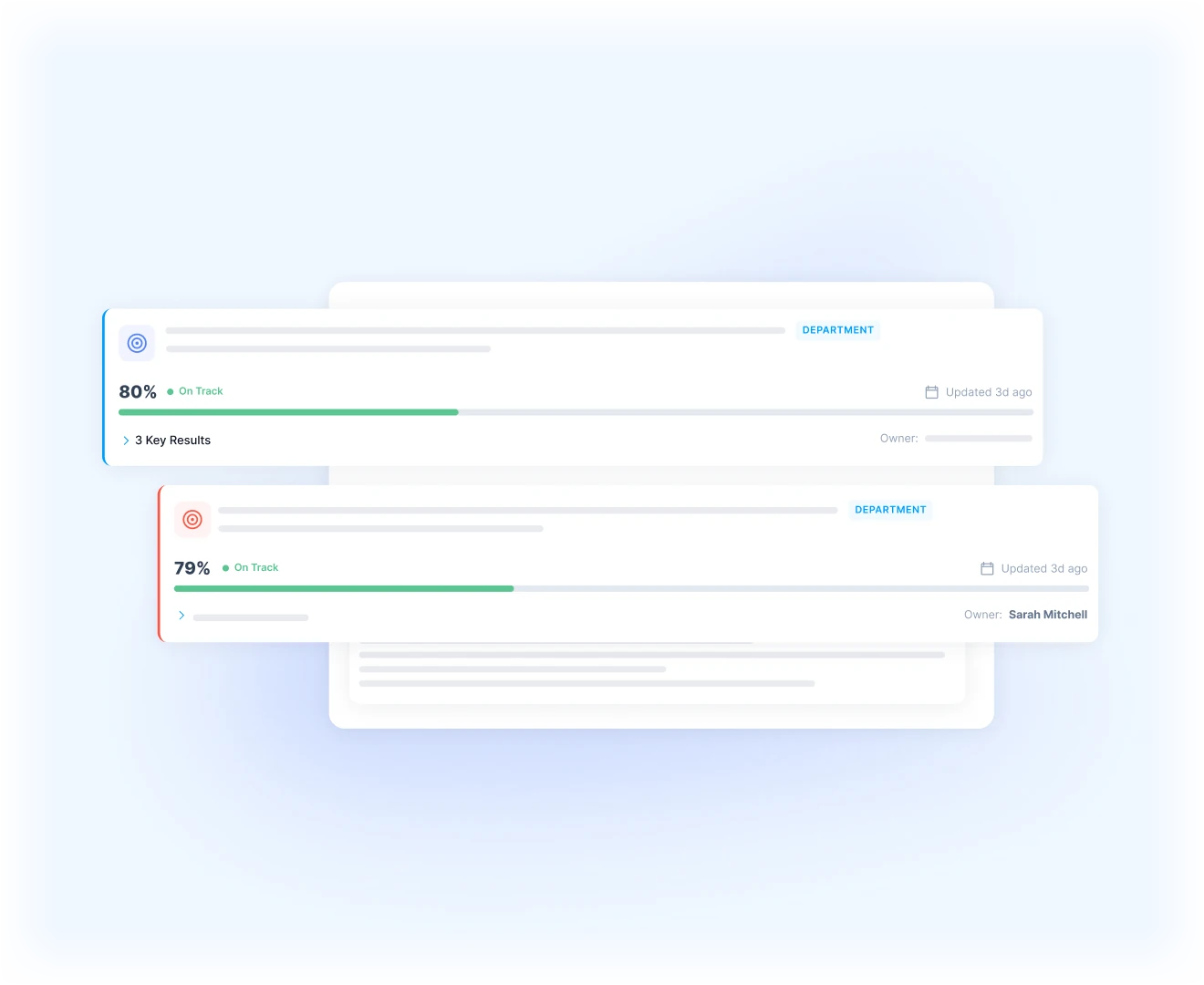
While employees and managers focus on their assigned objectives, authorized leadership needs visibility into progress across the organization.
Spark.work's MBO management view brings company objectives together, making it easier to monitor execution without collecting updates from multiple teams.
This gives leaders a broader picture while employees and managers continue reporting progress through their own tracking workspace.

Progress tracking works alongside the other steps of management by objectives, from defining expectations to reviewing reported achievement.
Define objectives with clear success criteria, deadlines, and responsibilities before tracking progress.
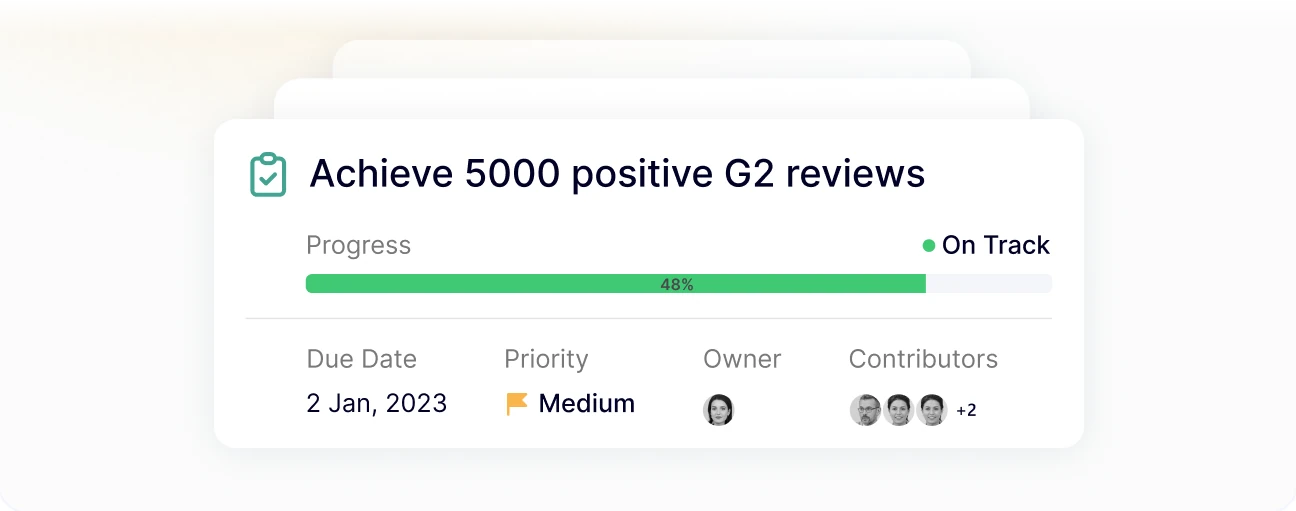
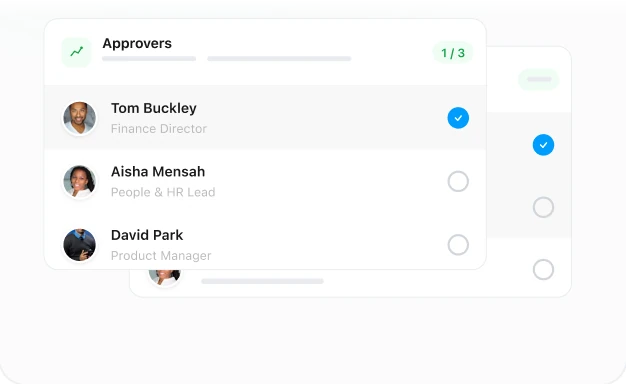
Configure approvals for check-ins when reported progress needs to be reviewed before acceptance.
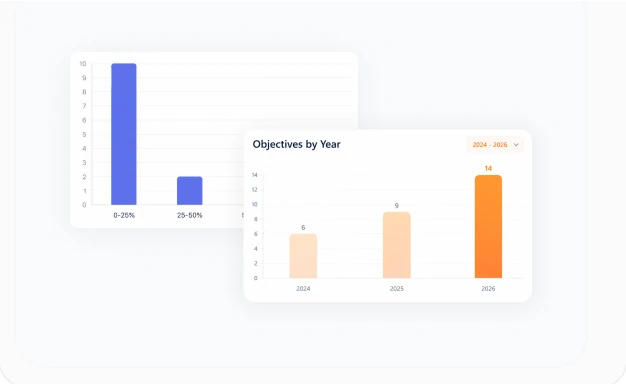
Review weighted objective achievement and employee MBO scores alongside broader performance information.
FAQ
Objective tracking software helps organizations monitor progress toward defined goals, record updates, and identify objectives that may not be achieved on time.
Spark.work supports this process through MBO check-ins, progress indicators, objective statuses, and role-relevant tracking views.
Objective owners and contributors submit check-ins to report progress and update an objective's status. Spark.work displays progress as a percentage, together with status information such as on track, behind, or low chance of completion.
Managers and authorized leadership can review progress according to their access permissions.
An MBO check-in is a progress update submitted by someone responsible for an objective. It records current progress and provides an assessment of whether the objective is on track to be achieved.
Check-ins can also be subject to approval when configured by the organization.
Employees with the appropriate responsibility and permissions can submit progress check-ins for their assigned objectives through the Track section.
Yes. Managers can view objectives relevant to their teams and departments, review progress, and identify objectives that require attention. Their available actions depend on the organization's access settings.
Manage provides authorized leadership and administrative users with a company-wide view of objectives, statuses, and progress.
Track is the working area for employees and managers. It gives them access to objectives relevant to their responsibilities and is where progress check-ins are submitted.
Yes. Spark.work allows an objective to be marked as completed when its success criteria have been met, even if the deadline has not yet passed.
Yes. Organizations can configure approval workflows for progress check-ins, allowing designated approvers to review reported updates before accepting them.
Give every owner a clear way to report progress and every manager the visibility to follow execution, spot risks, and respond.