

Create repeatable appraisal frameworks that can be applied across departments, teams, or employee groups.
TALENT MANAGEMENT
Groups & Assignments
Create structured appraisal programs by organizing employees into appraisal groups, defining review cycles, and configuring the evaluation framework that drives consistent performance assessments.
Request a Demo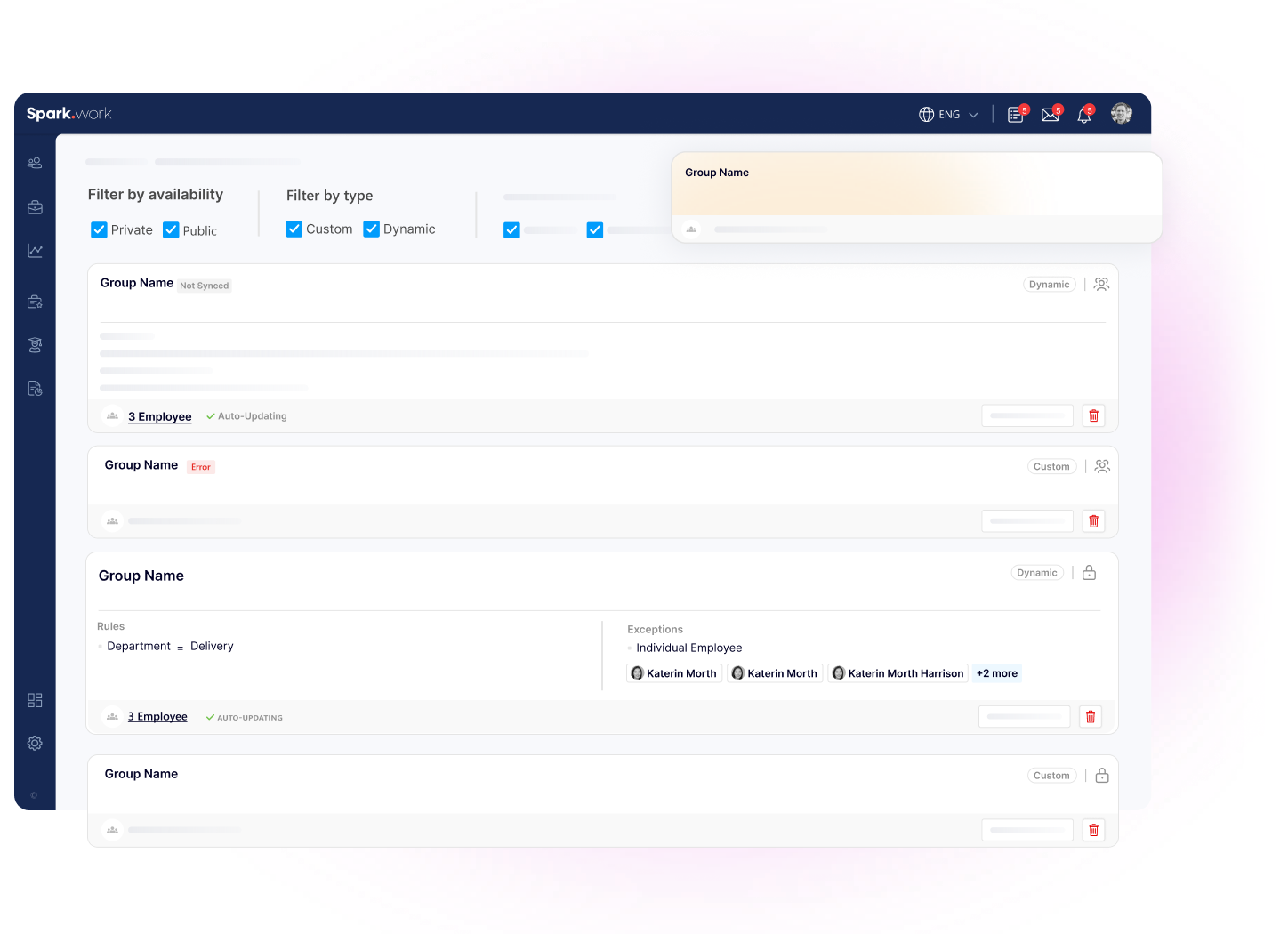
Build a Consistent Appraisal Framework
Create standardized appraisal programs with configurable scoring models, review cycles, and approval workflows that ensure every employee is evaluated fairly and consistently.
Configure scoring criteria, assessment points, and decision rules that reflect your organization's performance philosophy.
Schedule recurring appraisal cycles, notifications, and approvals to reduce manual administration.
Standardize evaluation criteria so managers assess employees using the same framework.
APPRAISAL FRAMEWORK
Configure How Every Appraisal Works.
Build the rules that define how employee performance is evaluated across your organization, from scoring models to approval workflows.
- Define Performance CategoriesCreate score thresholds and performance categories that determine how final appraisal results are interpreted.
- Configure Decision PointsAssociate appraisal outcomes with predefined actions such as promotions, salary revisions, bonuses, or development plans.
- Create Assessment PointsBuild customizable executive assessment criteria using predefined scoring levels including Very Low, Low, High, and Very High.
- Configure Notifications & Approval FlowsSet notification templates and optional approval workflows to keep every appraisal moving through the right process.
APPRAISAL GROUPS
Organize Employees Into Structured Review Cycles.
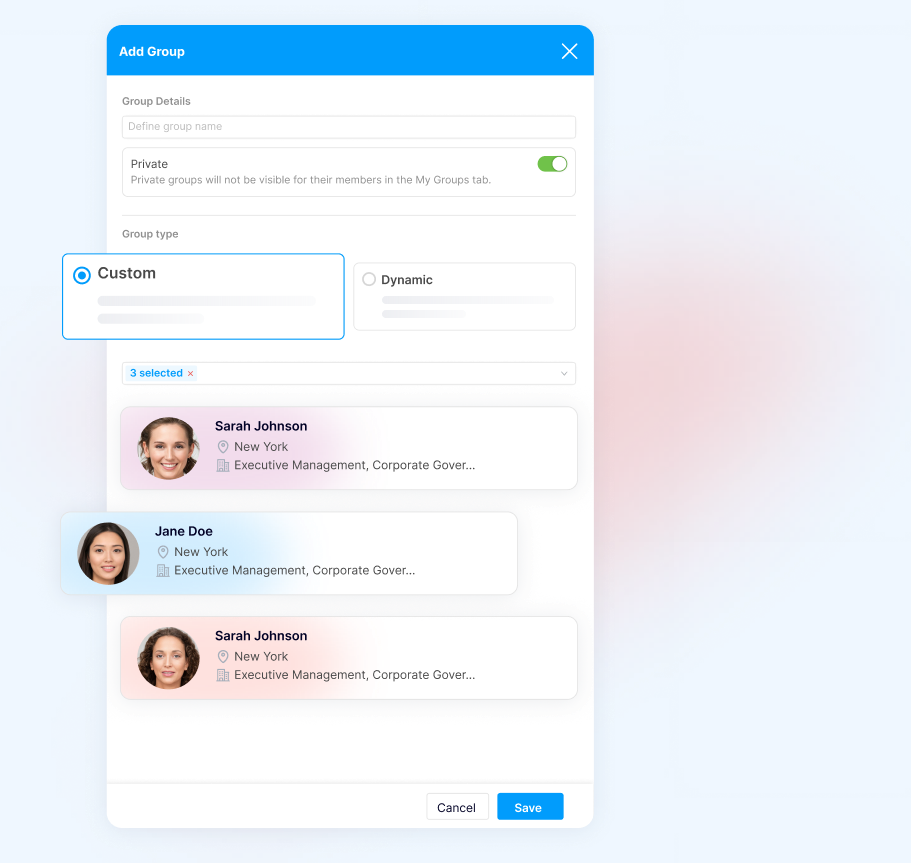
Create appraisal groups with their own schedules, scoring models, and approval requirements to support different teams, departments, or business units.
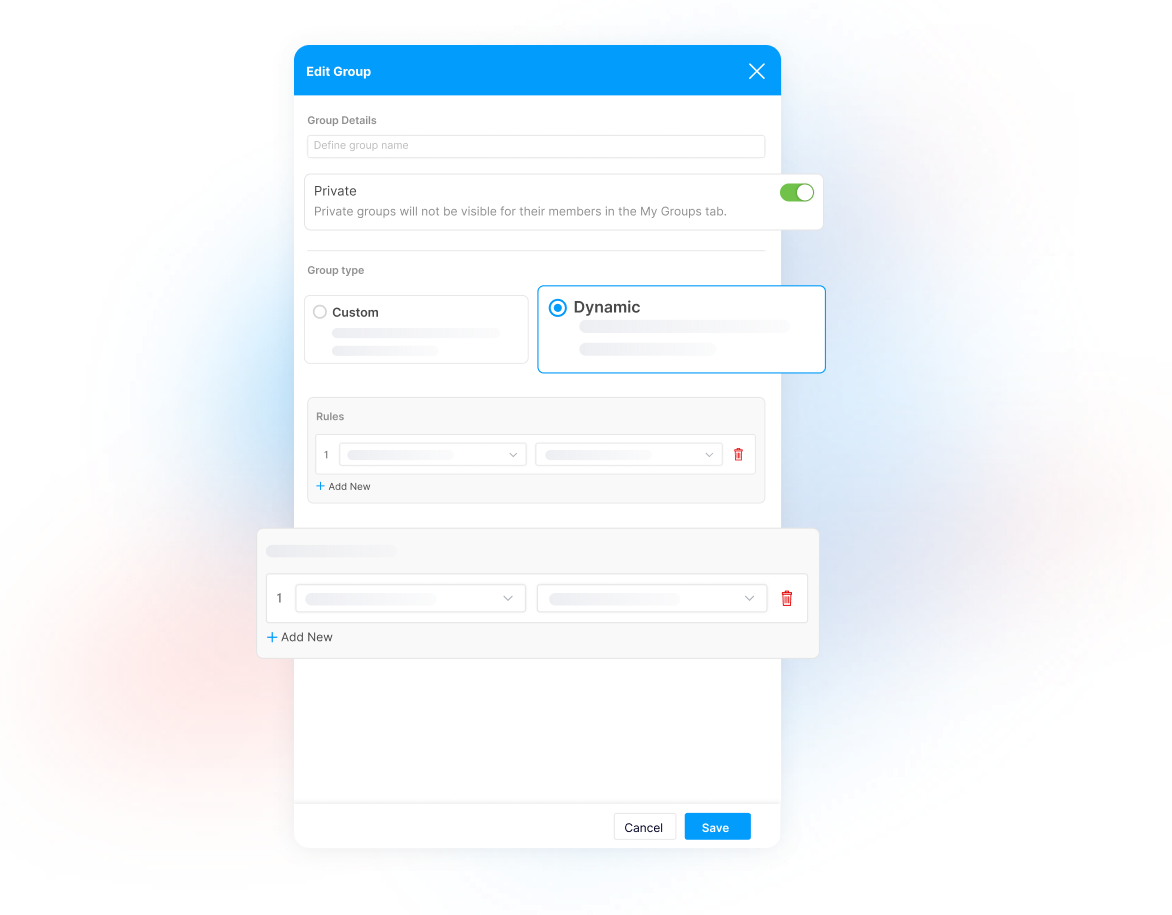
- Create Appraisal GroupsGroup employees based on departments, locations, job functions, or any organizational structure.
- Define Review CyclesConfigure how often each group is evaluated and automate recurring appraisal periods.
- Customize Score WeightsAssign different weights to Position Fit, KPI Score, 360 Reviews, Value Engagement, and other evaluation components, or distribute them equally.
- Manage Group SettingsAssign employees, configure approval requirements, and maintain appraisal settings from one centralized workspace.
FAQ
Have More Questions? We've Got You Covered
What are appraisal groups?
Appraisal groups organize employees into structured review programs with their own evaluation cycles, scoring models, and approval requirements.
Can different departments have different appraisal cycles?
Yes. Each appraisal group has its own review cycle, so departments, locations, or business units can run evaluations on their own schedules.
Can I customize how appraisal scores are calculated?
Yes. Assign different weights to Position Fit, KPI Score, 360 Reviews, Value Engagement, and other evaluation components — or distribute them equally.
Can appraisal workflows include approvals?
Yes. Optional approval workflows and notification templates keep every appraisal moving through the right process.
Can appraisal results trigger predefined actions?
Yes. Decision points associate appraisal outcomes with predefined actions such as promotions, salary revisions, bonuses, or development plans.
Build Appraisal Programs That Scale
Standardize appraisal cycles, automate evaluations, and create a consistent performance review process across your organization.