
Product & Platform
Spark.work Mobile: An HR Mobile App Employees and Managers Will Actually Use

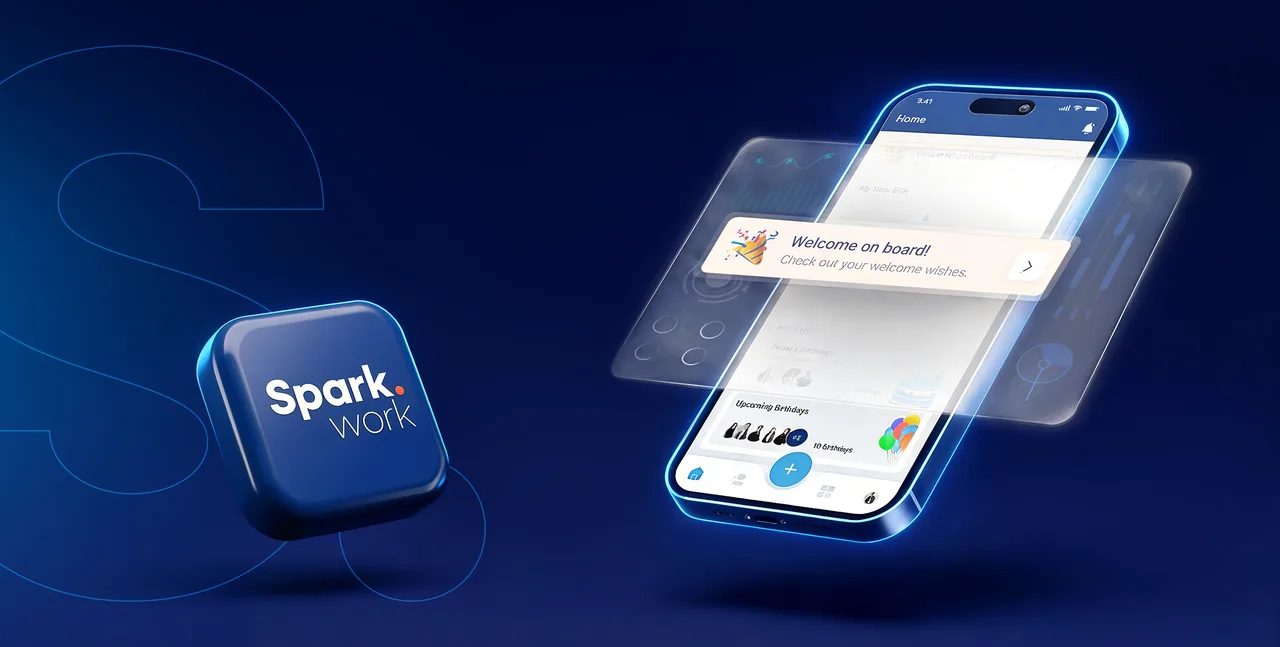
The most useful HR technology is not necessarily the software with the longest feature list. It is the software people can use easily when they need to complete a task, find information, or respond to someone.
Spark.work Mobile brings frequently used HR, communication, feedback, recognition, and goal-related experiences into one app. Employees can request time off, submit other workplace requests, find colleagues, follow company news, give feedback, view company objectives, and access personal information. Managers can review and approve requests wherever they are.
Unlike mobile HR tools focused only on administrative self-service, Spark.work Mobile also connects employees to company culture, recognition, feedback, objectives, and ongoing work. This brings everyday HR actions and broader organizational participation into the same mobile experience.
Available on iOS and Android, the Spark.work HR mobile app is designed to make everyday work interactions quicker, clearer, and easier to complete.
Spark.work Mobile at a Glance
- Available on iOS and Android
- Supports English, Armenian, and German
- Enables time-off and company-defined employee requests
- Supports mobile manager approvals and push notifications
- Includes company news, an employee directory, profiles, and company resources
- Extends to feedback, recognition, awards, company objectives, OKRs, and projects
- Offers a personalizable Home experience through available widgets
Why Mobile Usability Matters in HR Software
HR processes often involve small actions with an outsized effect on the employee experience. Requesting a day off, checking who is unavailable, finding a colleague's contact information, or approving a request may take only a few minutes. Yet when these actions require multiple systems, emails, or access to a laptop, they create unnecessary friction.
An employee self-service mobile app gives employees more independence and reduces the need to ask HR for routine information. Managers can respond to requests sooner, while HR teams gain more structured workflows and fewer follow-ups.
The value of mobile access, however, depends on usability. Reproducing a complex desktop system on a smaller screen is not enough. People need to see relevant information, understand what requires their attention, and complete frequent actions with minimal effort.
Spark.work Mobile is organized around that principle. Its Home, Feed, We, Profile, and quick-action areas give users clear paths to the information and actions they use most.
Manage HR Requests and Approvals From Mobile
Some of the strongest use cases for mobile HR software are also the most routine. Employees should be able to initiate a request when the need arises, and managers should be able to keep the workflow moving wherever their working day takes them.
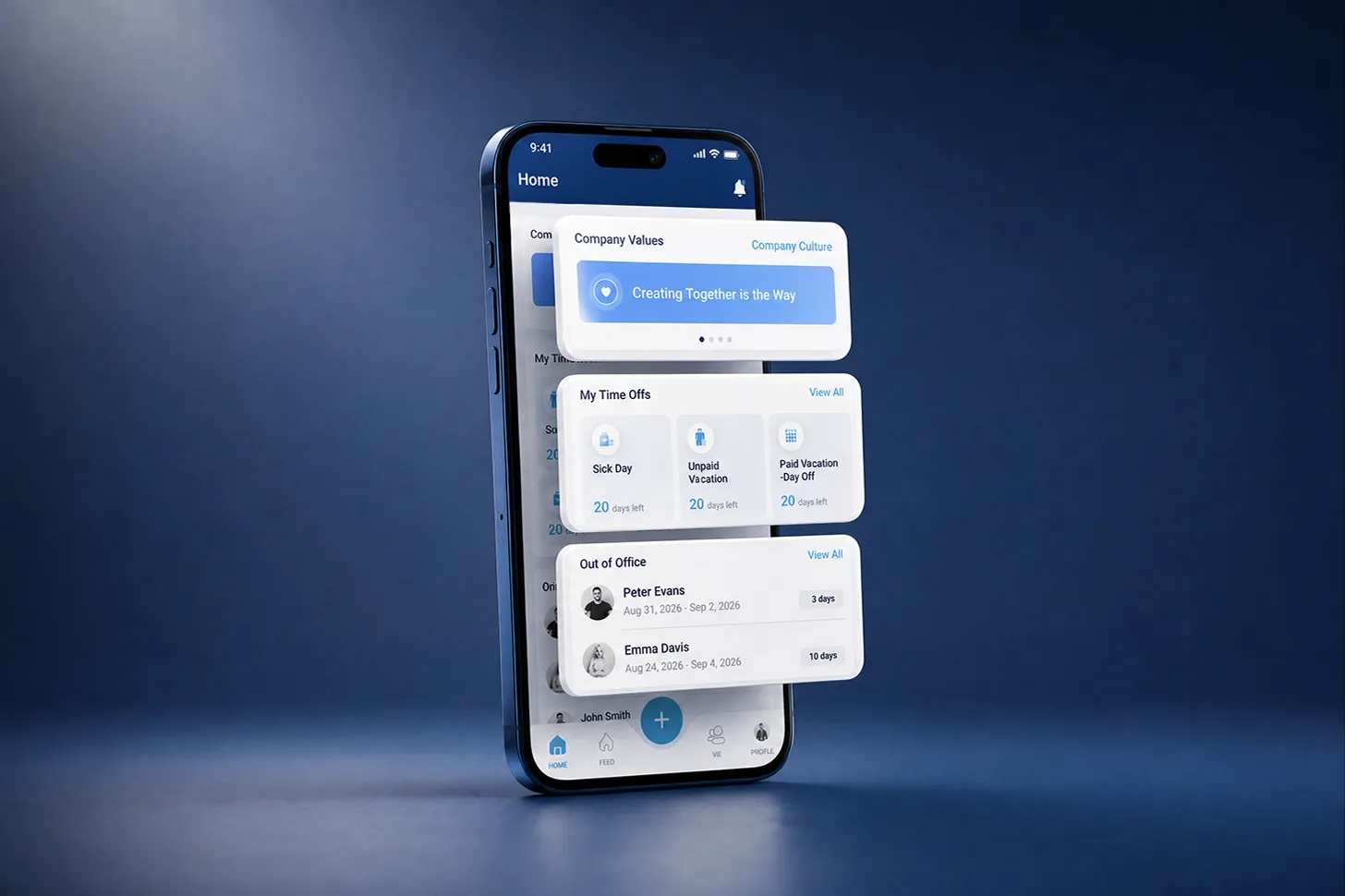
Request and track time off. Spark.work Mobile lets employees manage employee time off from within the broader Spark.work platform. They can submit a request directly from the app and access relevant time-off information from their Home or Profile area. The Home tab also includes Out of Office information, helping employees see current availability across the company. This makes time off useful as shared operational information, not only as an individual HR record.
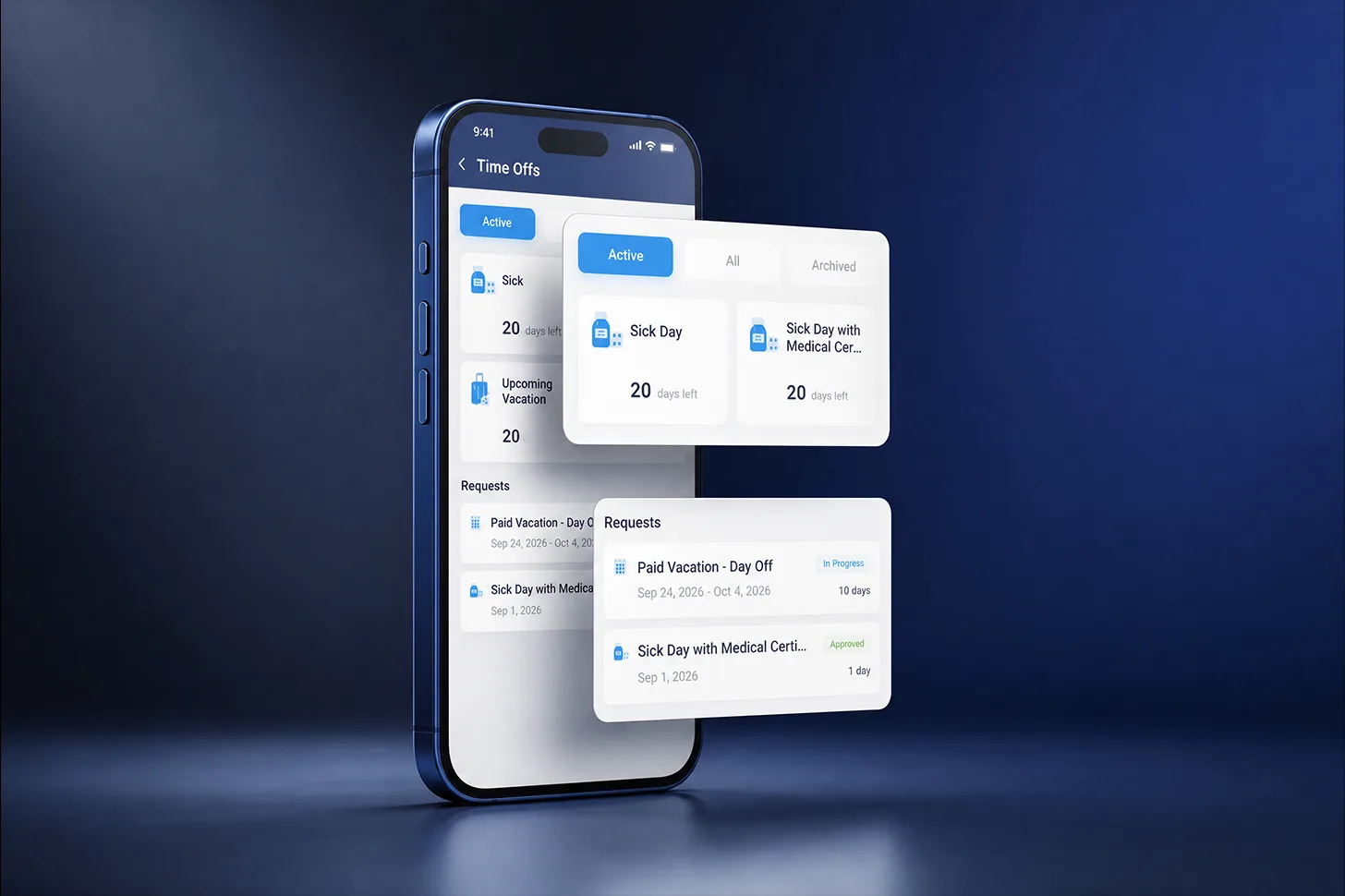
Submit company-defined requests. Not every employee need fits into a fixed set of HR forms. Different organizations have different policies, approval chains, and internal services. Spark.work Mobile allows employees to submit company-defined employee requests. These may include:
- Work-from-home requests
- Reference letter requests
- Other organization-specific requests
This flexibility allows the app to reflect how a company actually operates. Instead of searching for the correct contact, writing an email, or using a separate form, an employee can start the request through the app's central quick-action button.
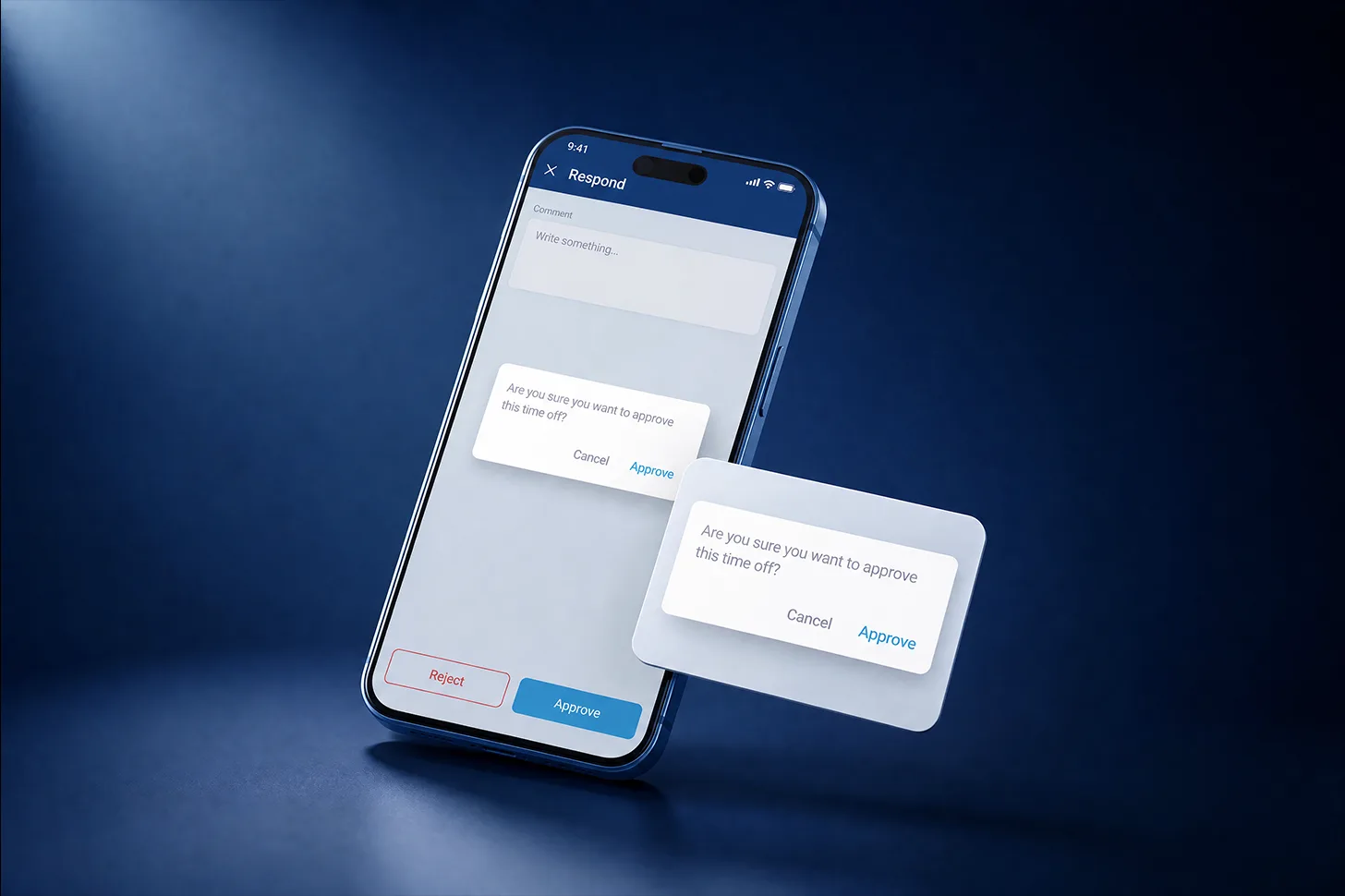
Review and approve requests on the go. A request is only convenient if the next person in the workflow can respond conveniently too. Managers can review and approve time-off and other employee requests from Spark.work Mobile. Push notifications bring new actions to their attention, allowing a manager to respond between meetings, while traveling, or whenever they are away from a computer. This creates a complete mobile workflow: the employee submits the request, the manager receives it, and the decision moves forward.
Access Company News and Employee Information
Workplace communication is easy to miss when it is spread across inboxes, chats, documents, and informal conversations. Spark.work Mobile creates a shared place for company updates and makes colleague information easier to find.
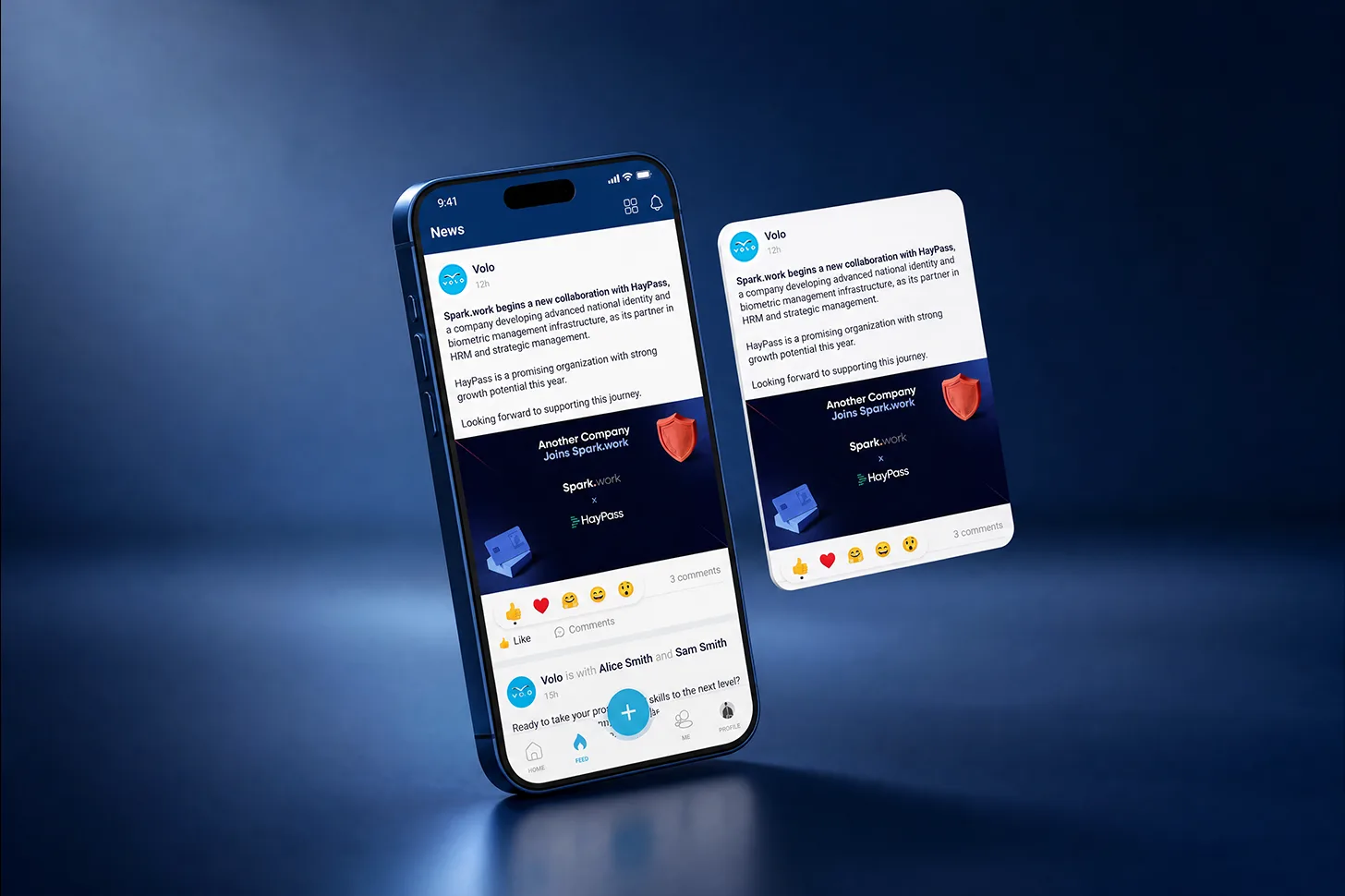
Follow company news. The Feed tab gives employees access to company news and updates. Users can view posts and interact through likes and comments, turning company communication into a visible, shared experience rather than a one-way announcement. The Home tab also surfaces New in Company content, while push notifications help employees notice relevant updates without repeatedly checking the platform.
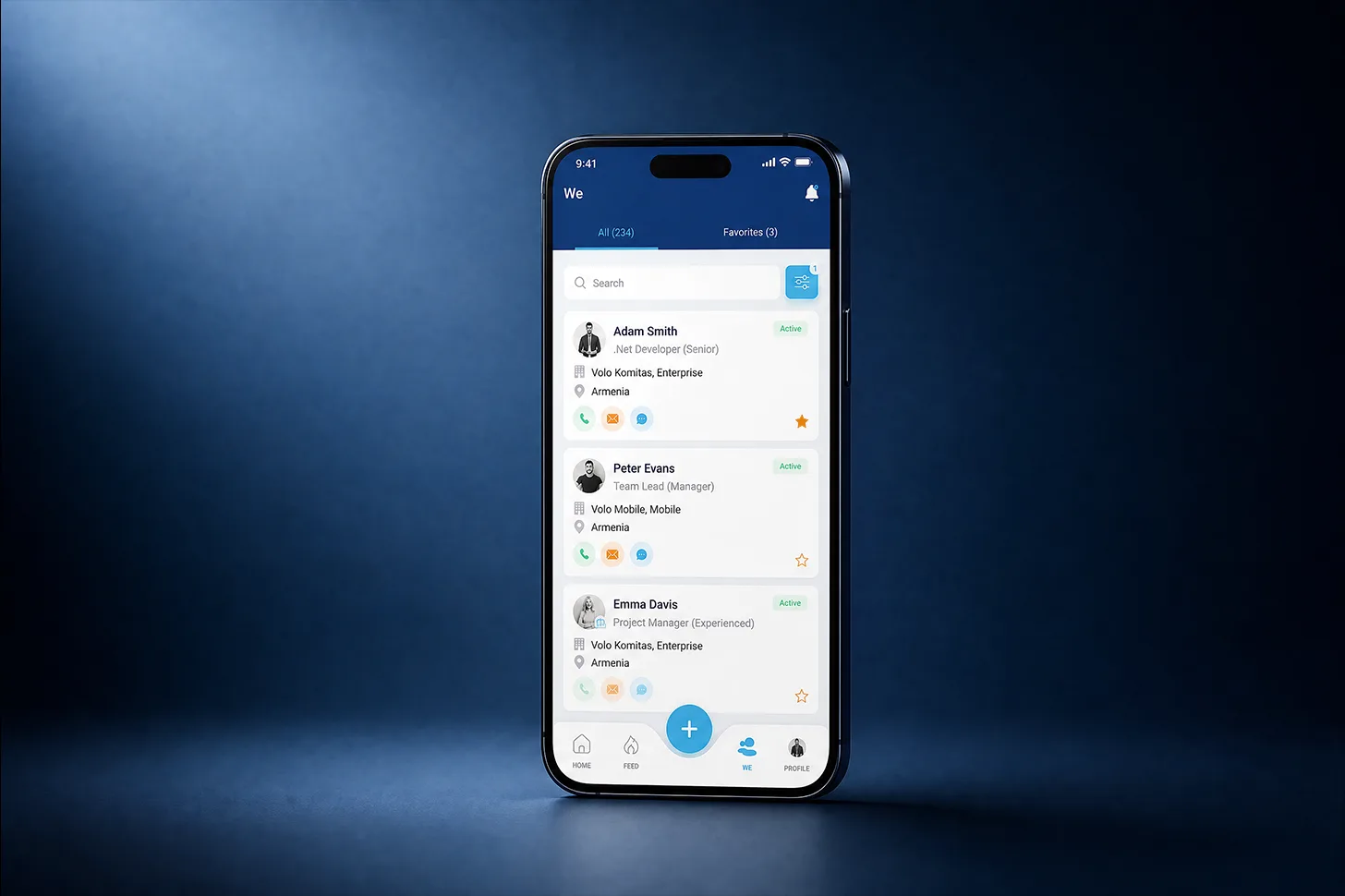
Find and learn about colleagues. The We tab provides a complete employee directory. Users can search and filter employees, view available role and contact information, and add frequently accessed colleagues to Favorites. This becomes particularly useful as a company grows. New employees can learn who is who, colleagues across teams can find the right person more easily, and distributed employees do not have to rely on personal contact lists for basic information. Birthdays also appear within the mobile experience, helping employees notice personal milestones across the organization.
Keep company culture visible. Company culture does not become meaningful simply because values have been published. Employees need to encounter those values in the context of everyday work. Spark.work Mobile gives employees access to Company Culture and can notify them about values and culture-related content. The app also surfaces birthdays, new colleagues, company news, recognition, and internal job openings.
Give Feedback, Recognize Colleagues, and Follow Goals
Many HR apps focus almost entirely on administrative self-service. Spark.work Mobile also connects employees to contribution, development, and organizational direction.
Give and ask for feedback. Employees can use the central quick-action button to give feedback or ask another person for feedback. Making continuous employee feedback available on mobile matters because useful feedback is often contextual. A colleague may want to acknowledge a strong contribution after a meeting, ask for input after completing a task, or share an observation while it is still specific and relevant. Easy mobile access means feedback does not have to wait for a formal review cycle.
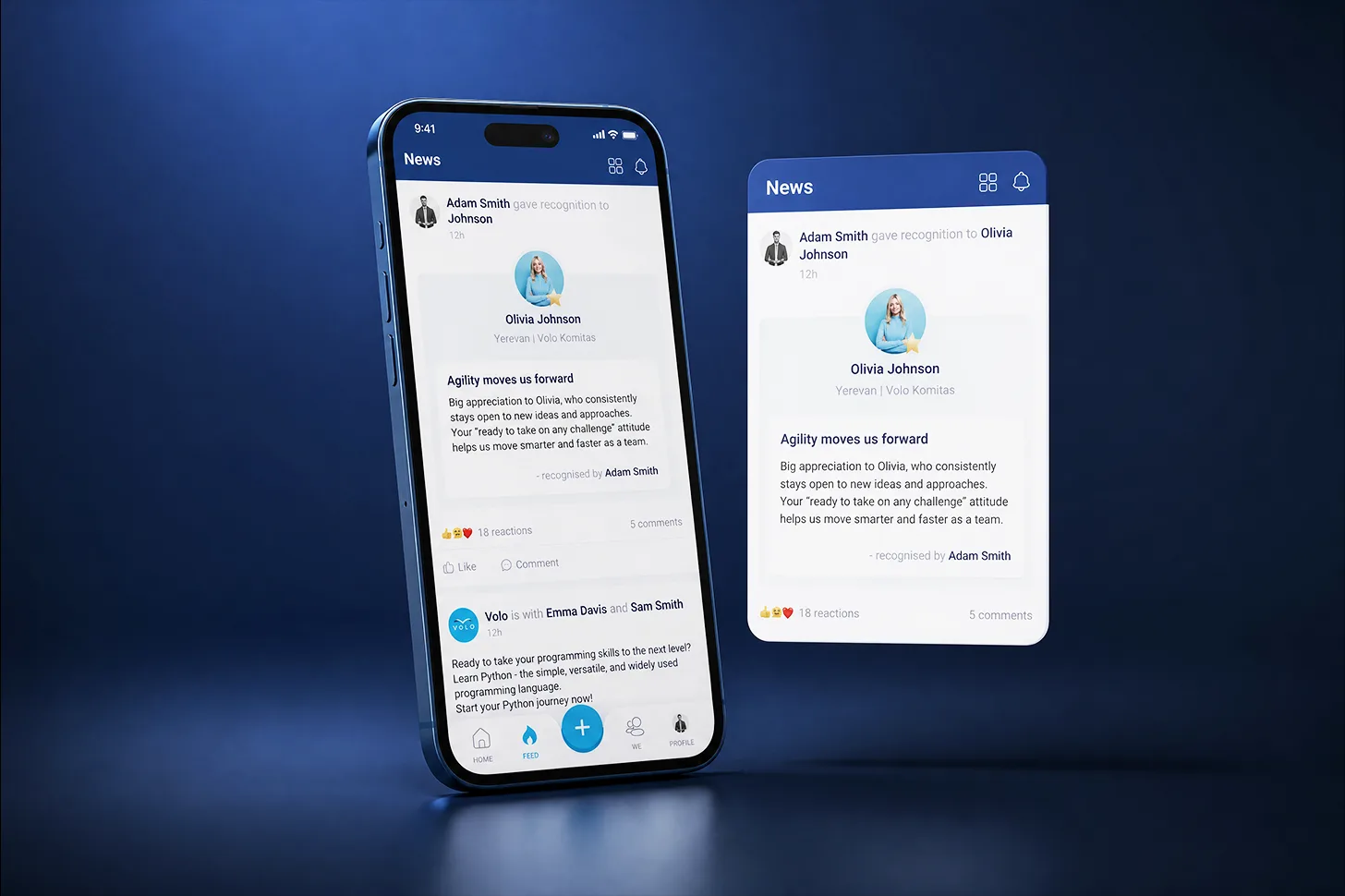
Recognize contributions when they happen. Employee recognition is also available through Spark.work Mobile. Employees can give recognition and view recognition they have received or given, while awards and badges make contributions more visible. This supports a more natural recognition habit, allowing people to appreciate a colleague closer to the moment when the contribution happened.
Stay connected to objectives and work. Spark.work connects people operations with the work and objectives people are responsible for delivering. Employees can access company objectives and OKRs, keeping organizational priorities visible beyond formal planning meetings. They can also access Projects and Calendar information through the mobile experience. Spark.work Mobile is not limited to processing requests or storing employee data. It helps employees stay connected to what the company is working toward as well as what is happening within it.
Personalize Your Mobile HR Experience
Not every employee needs the same information with the same frequency. A useful mobile experience should make important content easy to reach without forcing everyone through an identical path.
Build a more relevant mobile Home. The Spark.work Mobile Home tab brings together widgets for frequently used information, including:
- My Time Offs
- Out of Office
- Favorites
- Company Objectives
- New in Company
- Birthdays
- Calendar
- Projects
- Job Openings
Users can personalize their Home experience using the currently available widgets, bringing the most relevant information closer to the top of their everyday view.
Access your profile and employment information. The Profile tab gives employees access to their personal and employment information. It also brings together relevant time-off details, projects, and experience, reducing the need to ask HR for basic information.
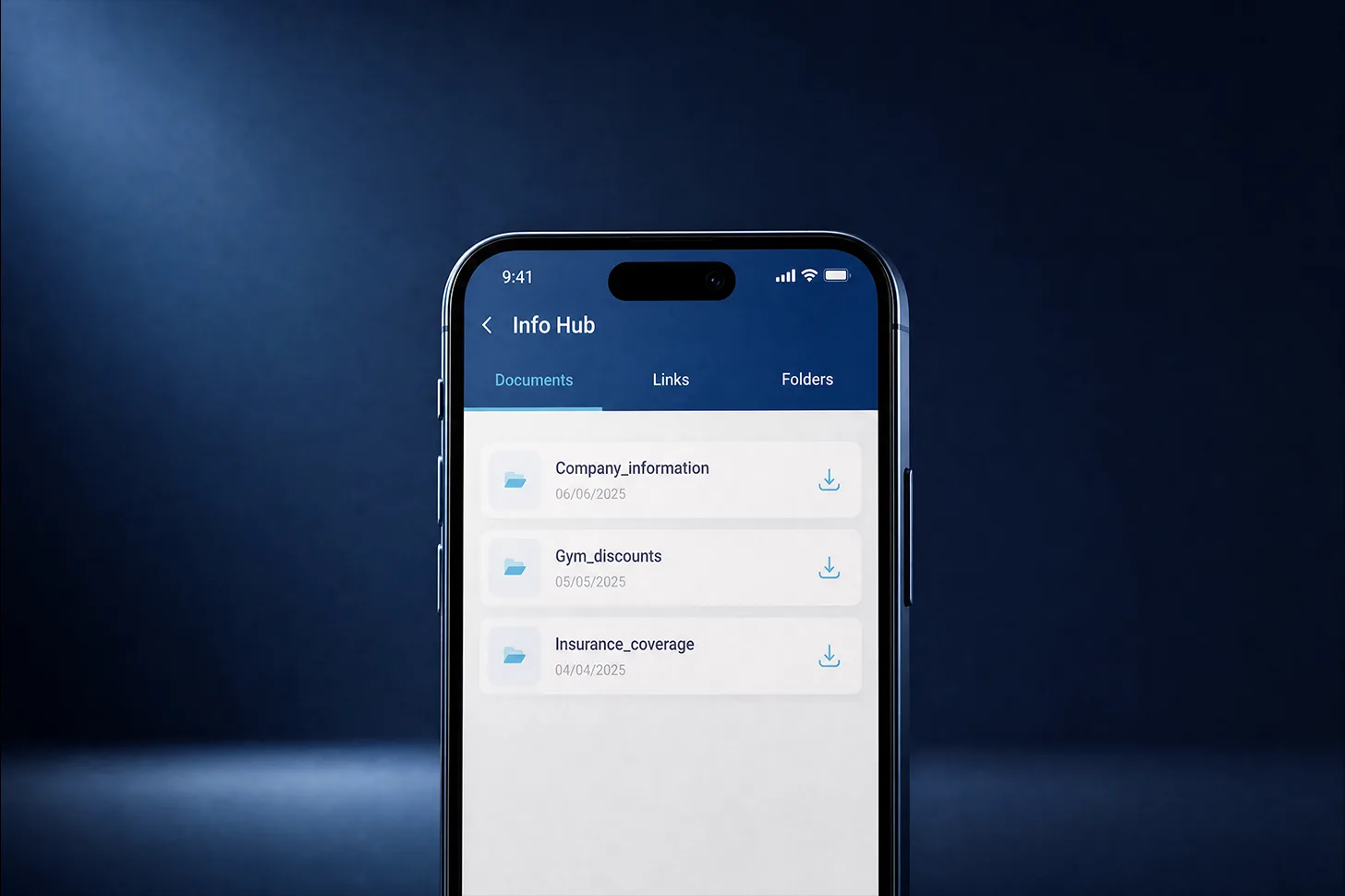
Find company resources in Info Hub. Info Hub gives employees mobile access to company resources organized as documents, links, and folders. Policies, reference materials, and frequently used links are more valuable when employees can find them at the moment of need.
Mobile HR Access for Office, Remote, and Deskless Employees
Spark.work Mobile is available for both iOS and Android and currently supports English, Armenian, and German.
That accessibility matters for organizations whose employees work across different devices, locations, and languages. Office-based employees can complete quick actions away from their desks. Remote and hybrid teams can stay connected to the same information. Managers can respond while moving between responsibilities. Employees who do not spend their working day at a computer can still access essential company workflows from their phones.
Push notifications make the experience more timely by alerting users to relevant activity, including requests, birthdays, and company culture updates. The result is not simply HR software displayed on a phone. It is a mobile layer for the everyday moments in which employees need information, managers need to respond, and organizations need to stay connected.
What Better Mobile Usability Means for the Organization
Faster everyday workflows. Employees can submit requests when the need arises, and managers can respond without delaying the workflow until they return to a computer. Routine decisions move faster, with less administrative coordination from HR.
Greater employee self-service. The Feed, employee directory, Info Hub, profiles, time-off information, and Home widgets make people and company information easier to reach. Employees can complete frequent actions and find routine information independently.
More timely participation and connection. Mobile feedback and recognition allow employees to participate closer to the moment. Company values, culture notifications, objectives, OKRs, birthdays, and news keep both the human and strategic sides of the organization visible.
These benefits depend on the same principle: reducing the distance between what someone needs to do and their ability to do it.
HR That Fits Into the Working Day
Employees should not have to organize their day around HR software. The software should fit naturally into the way their day already works.
Spark.work Mobile brings together everyday requests, approvals, company information, feedback, recognition, resources, and objectives in an HRMS mobile app for iOS and Android. Employees gain easier access to what they need, managers can keep routine workflows moving, and HR teams spend less time coordinating basic actions.
FAQ
Frequently Asked Questions
What can employees do in the Spark.work mobile app?
Employees can request time off, submit company-defined requests, access personal and employment information, view company news, search the employee directory, give or ask for feedback, recognize colleagues, follow company objectives and OKRs, access projects and resources, and personalize their Home experience with available widgets.
Can employees request time off from mobile?
Yes. Employees can submit time-off requests through Spark.work Mobile and view relevant time-off information from the app.
Can managers approve employee requests from mobile?
Yes. Managers can review and approve time-off and other employee requests directly through the mobile app, helping workflows move forward when they are away from their computers.
What other employee requests can be submitted?
Companies can define request types based on their internal processes. Examples include work-from-home requests, reference letter requests, and other organization-specific requests.
Is Spark.work Mobile available on iOS and Android?
Yes. Spark.work Mobile is available on both iOS and Android.
Which languages does Spark.work Mobile support?
Spark.work Mobile currently supports English, Armenian, and German.
Does Spark.work Mobile include feedback, recognition, and company objectives?
Yes. Employees can give or ask for feedback, give and view recognition, see awards and badges, and access Company Objectives and OKRs through Spark.work Mobile.
More Articles to Explore
How to Track KPIs Without Getting Lost in the Numbers
Learn how to track KPIs effectively, set meaningful targets, monitor performance, avoid common mistakes, and turn KPI data into better decisions.
HR Software With OKRs: What to Look For Beyond Goal Tracking
Not all goal management features connect everyday work to company strategy. Learn how to compare HR software with OKRs across three levels of capability.
From HRMS to Strategy Execution Software
The line between HRMS and strategy execution software is disappearing as organizations demand real alignment between people, performance, and business outcomes.